
Walmart Receipt Template
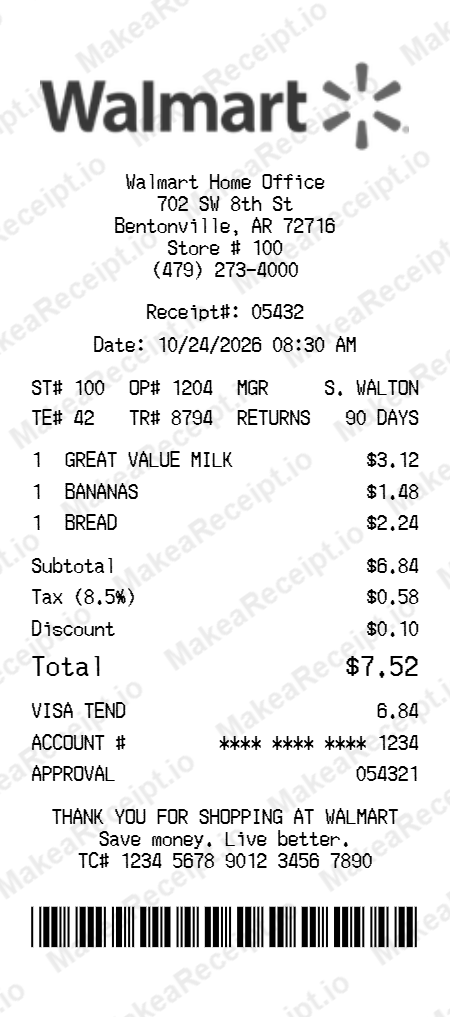
Create professional Walmart store receipts in seconds. Our free retail generator allows you to customize every detail—from store numbers (ST#) and cashier IDs (OP#) to itemized grocery lists and TC# barcode verification strings. Perfect for designers building retail apps, developers testing POS logic, or content creators needing realistic props for film and web production.
How to Create a Walmart Receipt in Minutes
Get your professional Walmart receipt instantly. Zero design experience required. Professional quality in just a few clicks.
Select your template
Browse our gallery to find the perfect Walmart layout. Our editor loads with realistic sample data ready for your touch.
Input order details
Adjust the header details for your Walmart receipt, including store address, register numbers, and cashier IDs.
Add itemized products
List your Walmart purchases with ease. Add each item, quantity, and unit price—the editor handles the math automatically.
Set totals & taxes
Configure the tax logic for your Walmart transaction. Choose between fixed or percentage rates and add custom discounts.
Choose payment method
Specify how the Walmart order was paid. Toggle between Cash or Card and input masked card numbers for authenticity.
Download your receipt
Review your live Walmart preview, then export the final design as a high-resolution PNG or PDF document.
Frequently Asked Questions
Everything you need to know about creating, customizing, and downloading professional Walmart receipts in seconds.
What do ST#, OP#, and TE# stand for on the Walmart template?
These represent the Store Number (ST#), Operator/Cashier ID (OP#), and Terminal Number (TE#). Our template allows you to customize these specific codes to match the exact register and location details found on authentic Walmart checkout summaries.
How can I toggle the Taxable (T) and Non-Taxable (N) item indicators?
You can set the tax status for each individual product in the editor. Selecting taxable will add the "T" indicator next to the item price, while non-taxable items will display an "N", replicating real Walmart retail logic.
Does the template generate a realistic TC# barcode string?
Yes, the Walmart template includes a dedicated field for the TC# (Transaction Code). This 20-digit string is typically found at the bottom of the receipt and is generated with the correct spacing and font for maximum authenticity.
Can I customize the store-specific information like the phone number?
Absolutely. Every line of the header—including the store address, manager name, and local phone number—is fully editable, allowing you to replicate receipts from any specific Walmart Supercenter or neighborhood market.
Is the vertical spacing and "thermal paper" font accurate?
Yes, our Walmart template is designed with specific character spacing and a custom thermal-style typeface to match the narrow, condensed look of real store receipts printed on 80mm paper.