
Car Detailing Receipt Template
Experience the Professional Shine. Create stunningly realistic car detailing receipts in seconds. Our free online generator allows you to customize elite detailing packages, ceramic coating warranties, mobile fees, and specific vehicle notes. Designed for auto spa owners, UI testers, and car enthusiasts needing high-fidelity automotive documentation for their portfolios or demos.
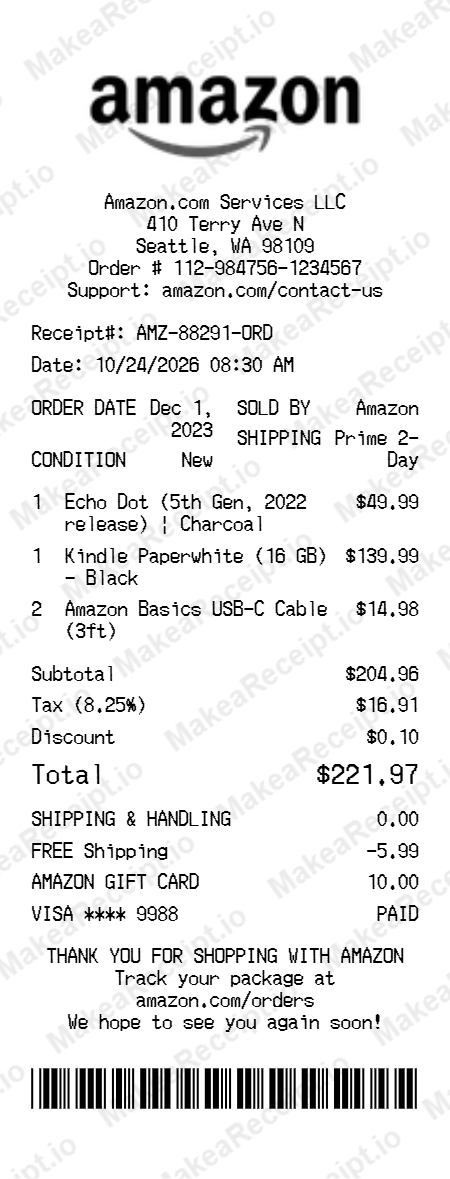
How to Create a Car Detailing Receipt in Minutes
Get your professional Car Detailing receipt instantly. Zero design experience required. Professional quality in just a few clicks.
Select your template
Browse our gallery to find the perfect Car Detailing layout. Our editor loads with realistic sample data ready for your touch.
Input order details
Adjust the header details for your Car Detailing receipt, including store address, register numbers, and cashier IDs.
Add itemized products
List your Car Detailing purchases with ease. Add each item, quantity, and unit price—the editor handles the math automatically.
Set totals & taxes
Configure the tax logic for your Car Detailing transaction. Choose between fixed or percentage rates and add custom discounts.
Choose payment method
Specify how the Car Detailing order was paid. Toggle between Cash or Card and input masked card numbers for authenticity.
Download your receipt
Review your live Car Detailing preview, then export the final design as a high-resolution PNG or PDF document.
Frequently Asked Questions
Everything you need to know about creating, customizing, and downloading professional Car Detailing receipts in seconds.
Can I add specific detailing packages like Ceramic Coating?
Yes, you can manually input any tier of service, including multi-stage polishing and glass coatings with individual prices.
Does the template support mobile detailing fees?
Absolutely. You can add a travel surcharge or mobile convenience fee as a separate line item to reflect off-site services.
Is the Car Detailing logo pre-loaded?
Yes! A high-resolution monochrome detailing-themed logo is pre-configured and positioned to match professional shop formats.
Can I record the specific vehicle Year/Make/Model?
Yes, you can use the sub-header or item description fields to include detailed vehicle identification for accurate record-keeping.
Does it include paint condition and warranty notes?
Yes, the custom message section is ideal for including paint thickness readings, warranty terms, or after-care instructions.