
AutoZone Receipt Template
Get in the Zone with our professional AutoZone receipt generator. Create authentic-looking receipts for car parts, motor oil, and automotive accessories in seconds. Our free tool allows you to customize store IDs, warranty details, and rewards points, perfect for DIY car enthusiasts, household expense tracking, or retail software UI demos.
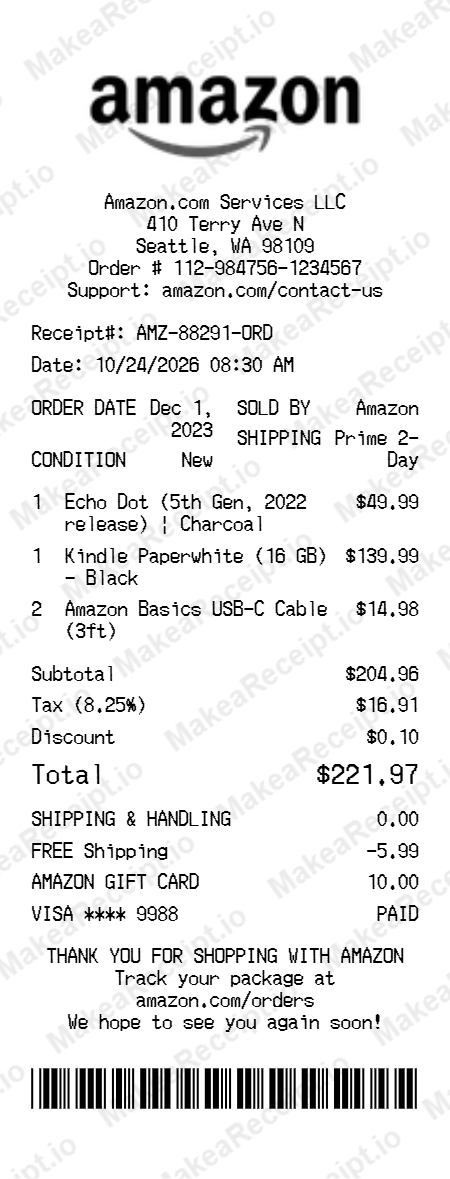
How to Create an AutoZone Receipt in Minutes
Get your professional AutoZone receipt instantly. Zero design experience required. Professional quality in just a few clicks.
Select your template
Browse our gallery to find the perfect AutoZone layout. Our editor loads with realistic sample data ready for your touch.
Input order details
Adjust the header details for your AutoZone receipt, including store address, register numbers, and cashier IDs.
Add itemized products
List your AutoZone purchases with ease. Add each item, quantity, and unit price—the editor handles the math automatically.
Set totals & taxes
Configure the tax logic for your AutoZone transaction. Choose between fixed or percentage rates and add custom discounts.
Choose payment method
Specify how the AutoZone order was paid. Toggle between Cash or Card and input masked card numbers for authenticity.
Download your receipt
Review your live AutoZone preview, then export the final design as a high-resolution PNG or PDF document.
Frequently Asked Questions
Everything you need to know about creating, customizing, and downloading professional AutoZone receipts in seconds.
Can I add core charges for batteries or starters?
Yes, you can add core charges as separate line items to track refundable deposits common in auto parts retail.
Does this template include AutoZone Rewards points?
Absolutely. Use the payment details or custom message sections to display loyalty points earned and membership progress.
Can I record the specific vehicle Year/Make/Model?
Yes, you can add vehicle-specific information to the header or as part of the item description to ensure parts compatibility records.
Is it possible to include Lifetime Warranty details?
Yes, you can add warranty symbols or text descriptions for high-value parts like brake pads or alternator units.
Can I customize the AutoZone store number?
Yes, every aspect of the store ID, location, and associate name is fully editable to match any local branch.